RetroCode icon

Code like it's 1980.

RetroCode is a native macOS IDE for the 8-bit era — a real CPU emulator, a TRS-80-style BASIC with a graphics display, and a modern multi-language editor, all in one retro desktop. With a built-in AI tutor that teaches you Assembly and BASIC as you go.

brew install --cask pounceapps/tap/retrocode
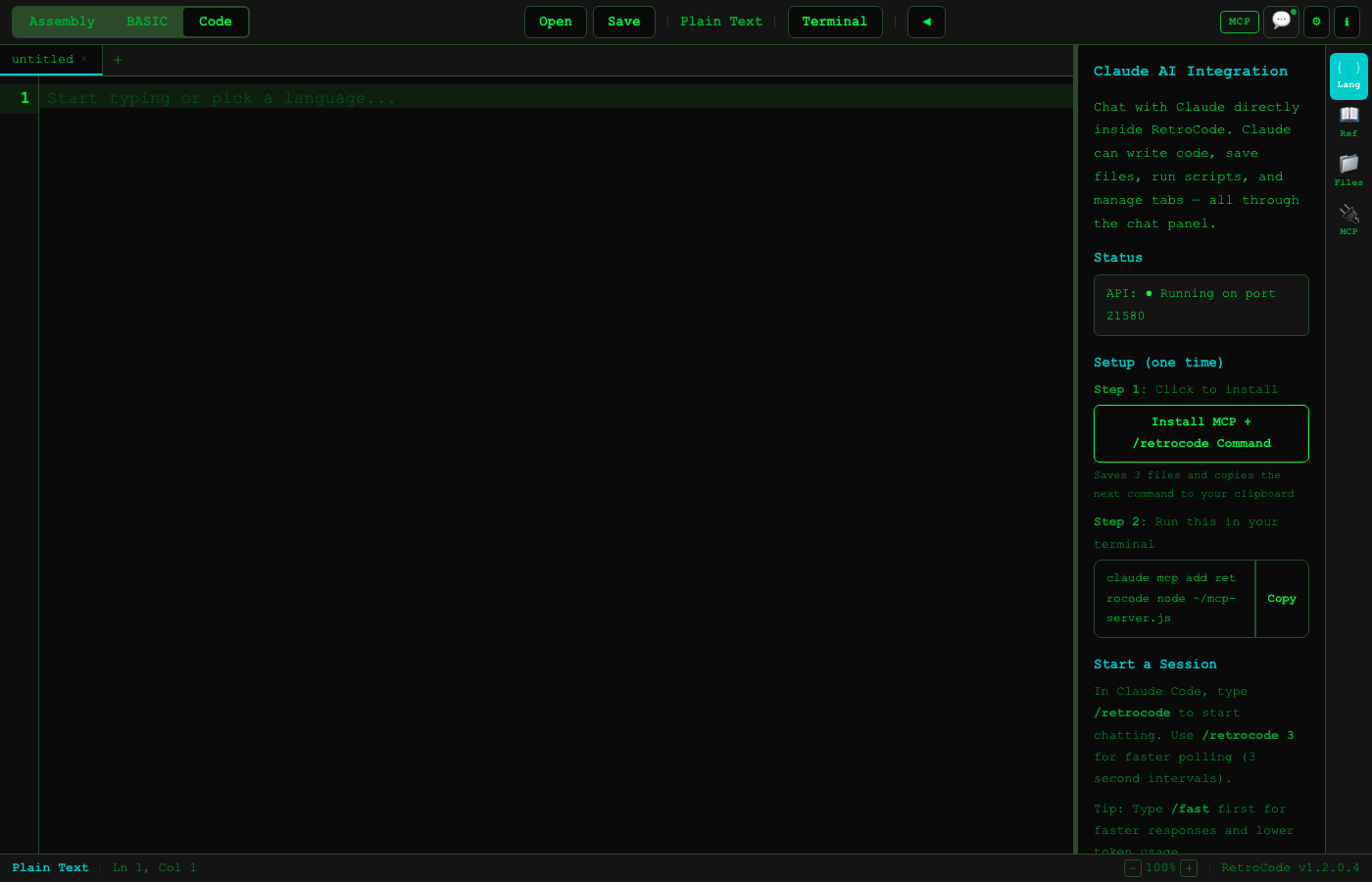
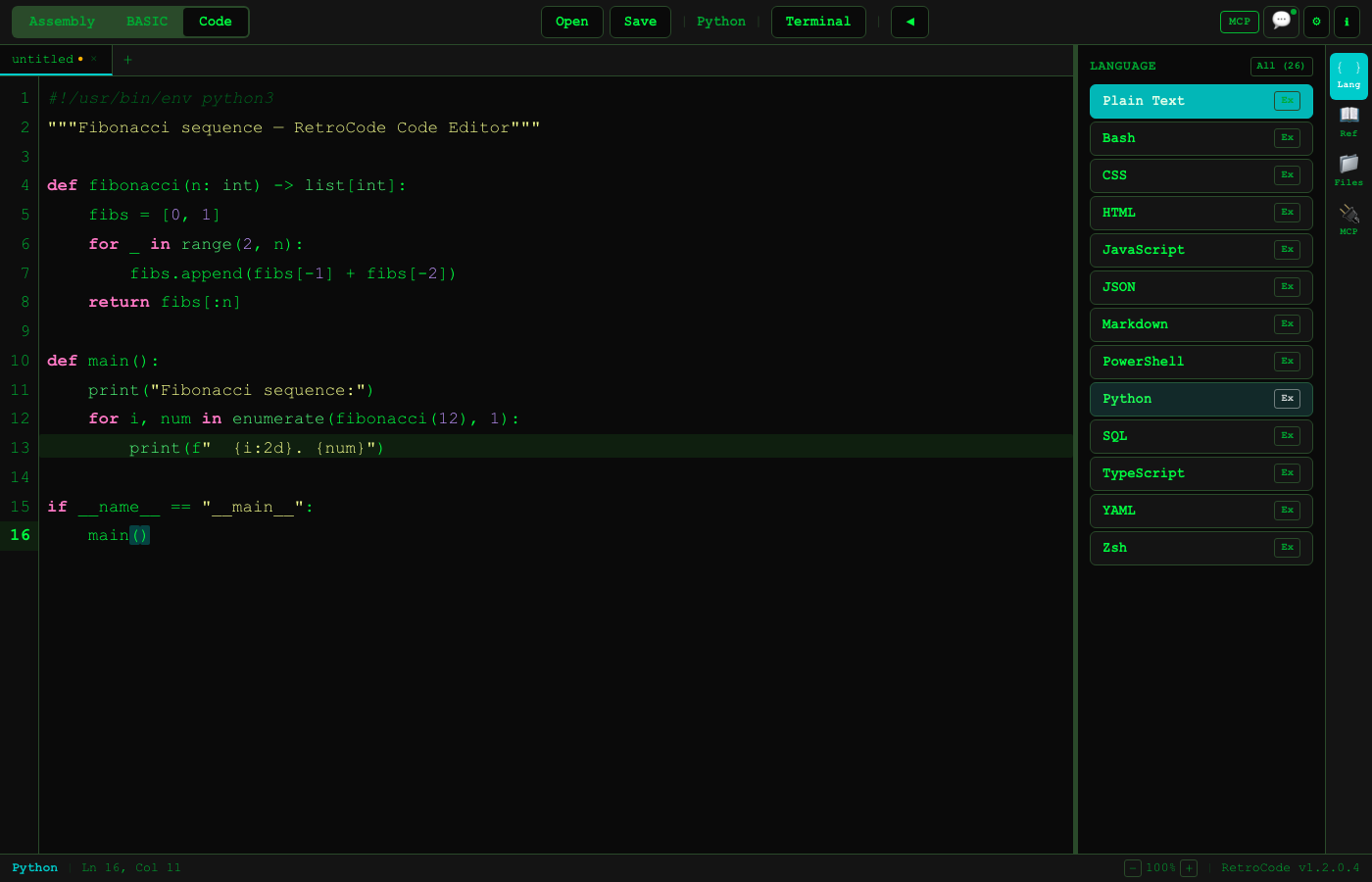
RetroCode modern code editor
A retro desktop with three machines inside — Assembly, BASIC, and a modern code editor.

Why it exists

It started with a TRS-80 and a good dad.

In 7th grade, Steve's dad surprised him with a TRS-80 Color Computer. There was no App Store, no Stack Overflow — just a blinking cursor, a stack of magazines full of BASIC listings, and hours spent typing them in line by line. PEEK and POKE poked at raw memory. 10 GOTO 10 was your first infinite loop. You learned how a computer actually worked, one byte at a time.

RetroCode is that machine, rebuilt for a Mac — a real 8-bit CPU you can single-step, a BASIC that draws on a chunky pixel display, and an AI sitting beside you the way a patient friend would have back then. It's the on-ramp to programming we wish we could hand every curious kid.
Three machines in one

Assembly, BASIC, and a modern code editor.

Assembly

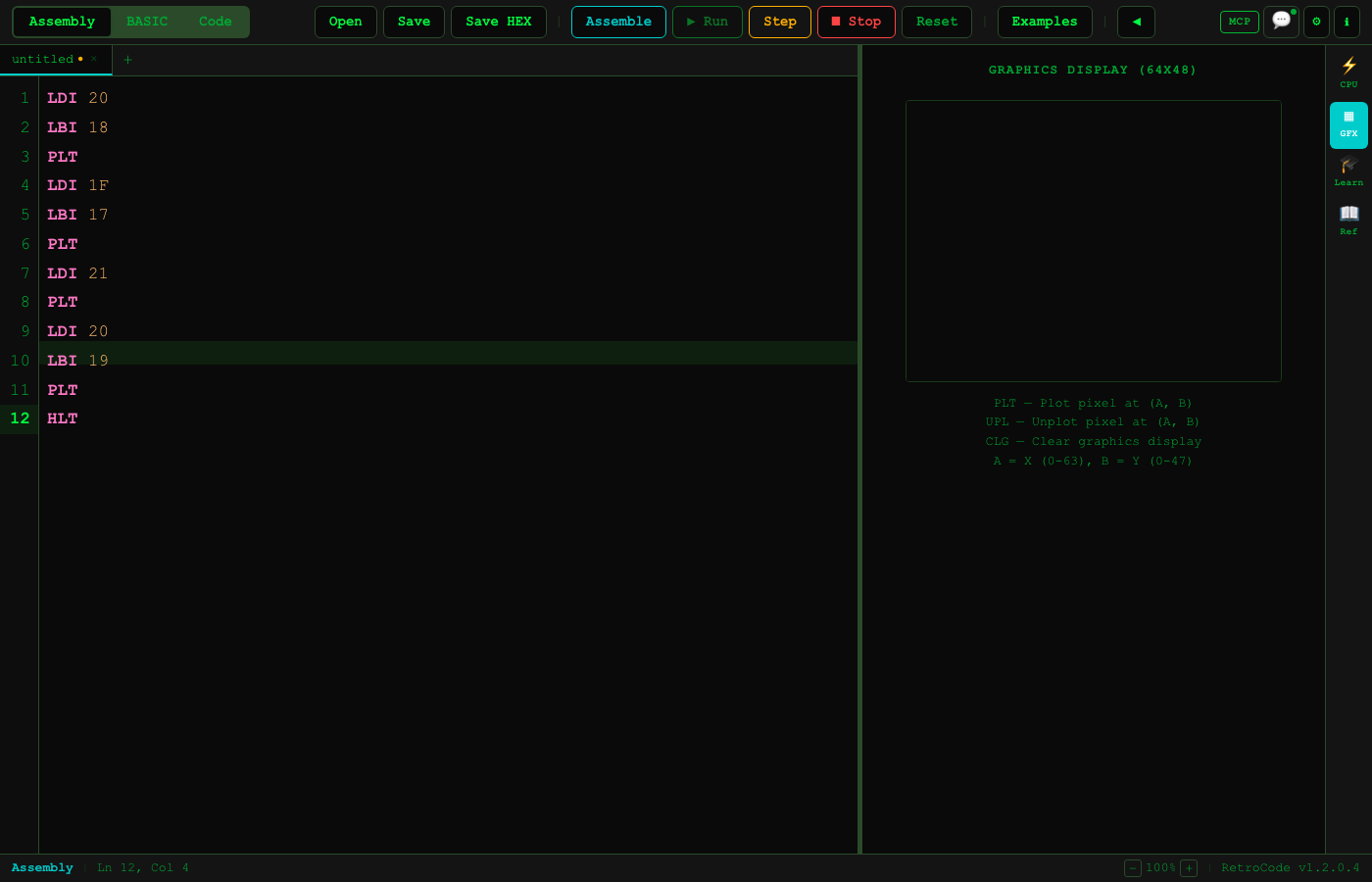
Write for The Hex Machine — a 30-instruction 8-bit CPU with A/B registers, 256 bytes of RAM, a stack, and a 64×48 graphics screen. Single-step and watch every register.

BASIC

A full TRS-80-style BASIC V2.0 — line numbers, GOSUB, FOR/NEXT, DATA/READ, string & math functions, INKEY$, and graphics.

Code

A modern editor for 23+ languages with syntax highlighting, up to 5 tabs, and an integrated terminal running in your real shell.

How the CPU works

The Hex Machine — an 8-bit trainer you can see think.

Inspired by the 1980s Science Fair Microcomputer Trainer, The Hex Machine is deliberately tiny — small enough to hold in your head. That's the whole point: every instruction is one or two bytes, and you can watch the registers, flags, and memory change on every step.

The registers & memory

  • A and B — two 8-bit registers (values 00–FF)
  • 256 bytes of memory, addressed 00–FF
  • A stack that grows downward from FF (PUSH/POP)
  • Zero and carry flags, set by arithmetic and compares
  • A 64×48 pixel graphics display (PLOT, DRAW, CIRCLE, GCLS, GPRINT)
  • Labels and hex literals so you never hand-count jump addresses

A program that draws & counts

      LDI  10      ; A = 10
      STA  $40     ; store A at 0x40
      GCLS         ; clear the screen
LOOP: PLOT A, 24   ; plot pixel (A, 24)
      DEC          ; A = A - 1
      JNZ  LOOP    ; loop until A == 0
      HLT          ; stop

The instruction set (30 opcodes)

LDA / LDIload A from mem / immediate
STAstore A to memory
LDB / LBI / STBthe same, for B
MOVcopy A → B
ADD / SUBA = A ± B
INC / DECA ± 1 (wraps)
MUL / DIV / MODmultiply, divide, remainder
AND / OR / XOR / NOTbitwise logic
SHL / SHRshift A left / right
CMP / CPIcompare A with B / immediate
JMPunconditional jump
JZ / JNZ / JCconditional jumps
PUSH / POPstack operations
PLOT / DRAW / CIRCLEgraphics primitives
GCLS / GPRINTclear / print on the pixel screen
NOP / HLTdo nothing / halt
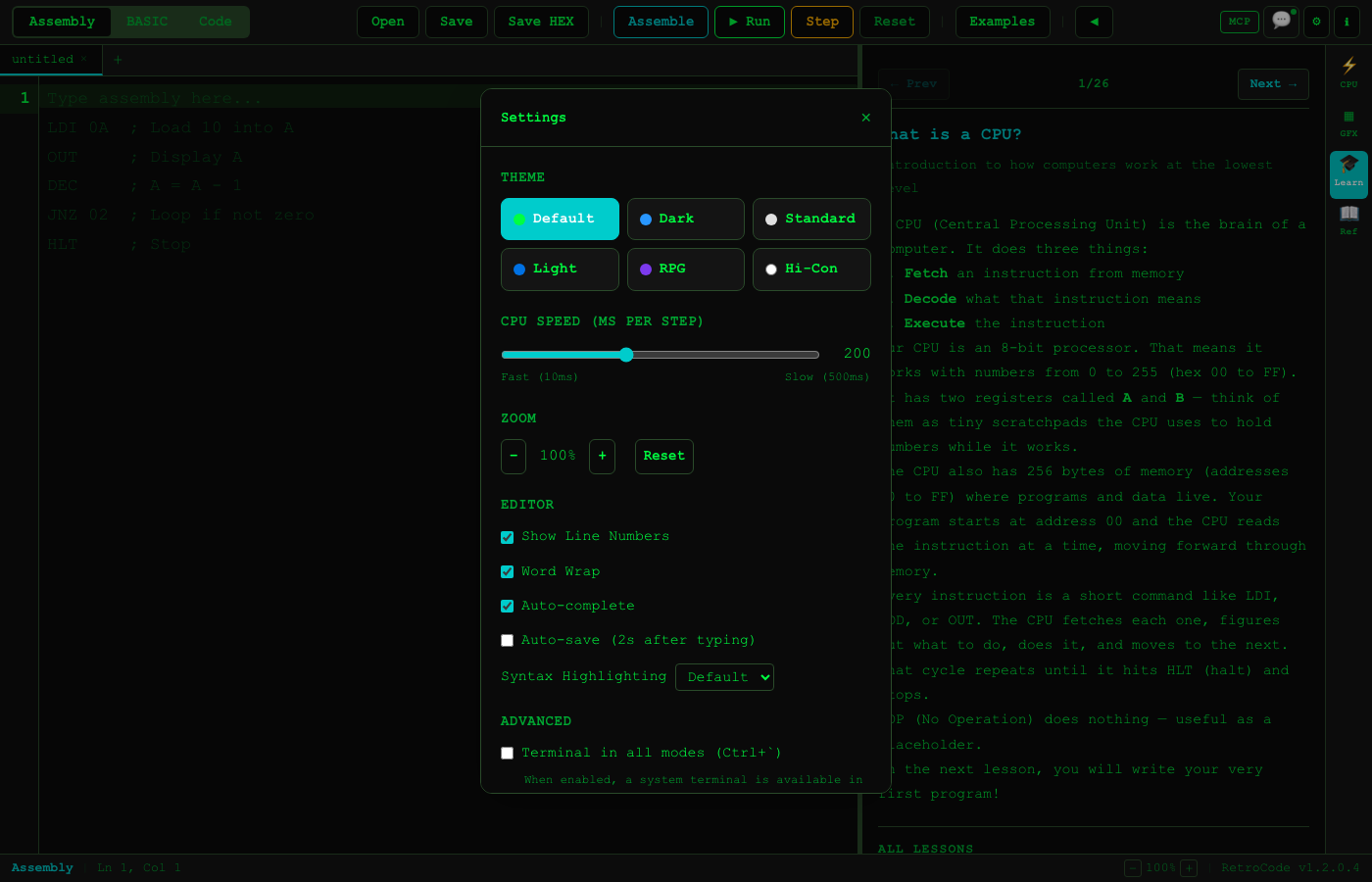
RetroCode assembly mode with graphics
Assembly mode: your program on the left, registers and the 64×48 display on the right.

How BASIC works

Line-numbered BASIC, exactly like 1977.

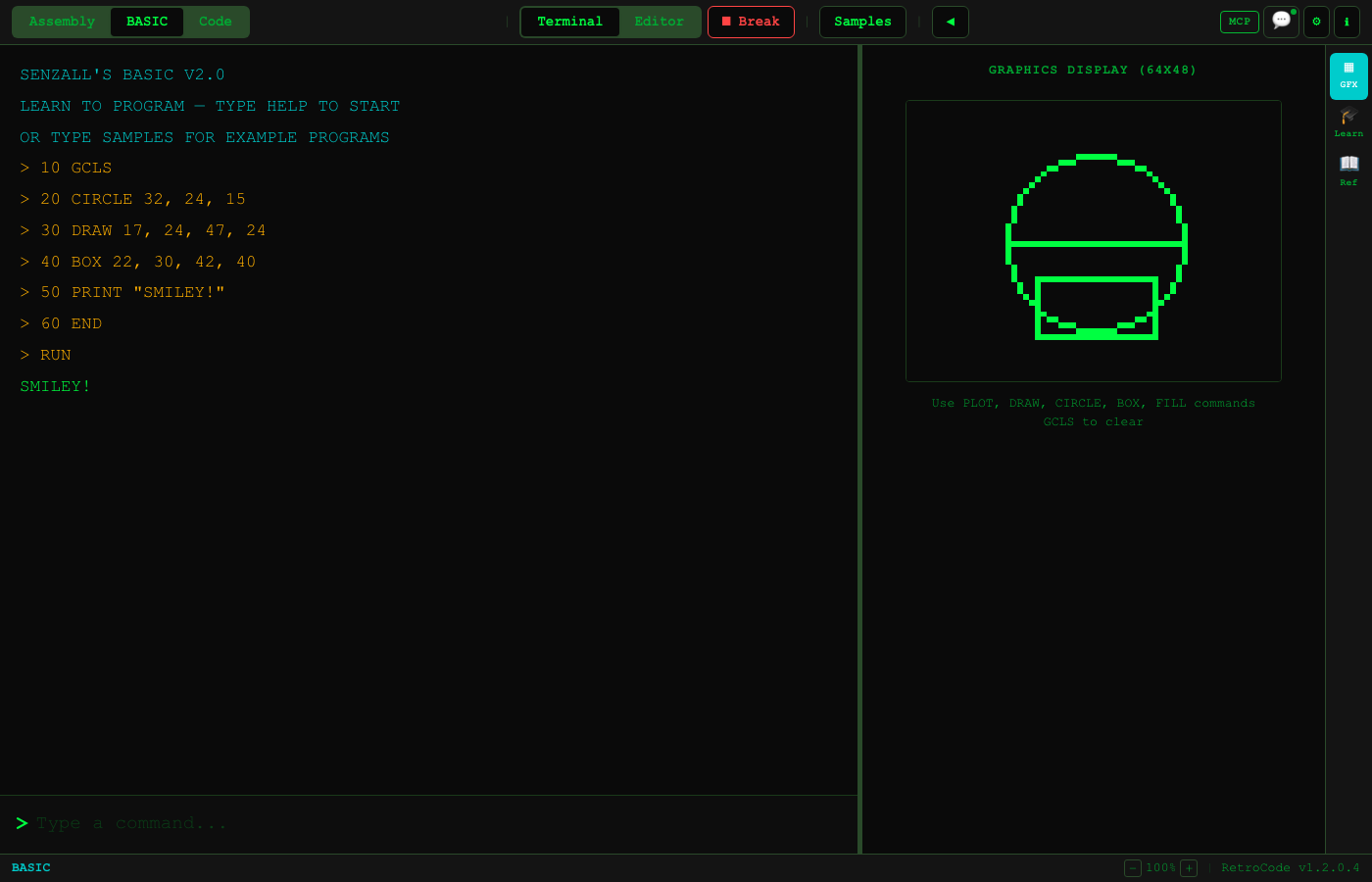
RetroCode's BASIC V2.0 is modeled on the TRS-80: numbered lines you can GOTO, GOSUB/RETURN, FOR/NEXT loops, IF/THEN, INPUT, DATA/READ, string and math functions, RND, INKEY$ for live keys, and the same PLOT/DRAW/CIRCLE/GCLS graphics on the 64×48 screen. Up to 500 lines per program.

A real sample: guess the number

10 REM NUMBER GUESSING GAME
20 LET N = INT(RND(1) * 100) + 1
30 LET G = 0
40 PRINT "I'M THINKING OF A NUMBER 1-100"
50 INPUT "YOUR GUESS"; A
60 LET G = G + 1
70 IF A = N THEN GOTO 120
80 IF A < N THEN PRINT "TOO LOW!"
90 IF A > N THEN PRINT "TOO HIGH!"
100 GOTO 50
120 PRINT "YOU GOT IT IN "; G; " GUESSES!"
130 END

What you can reach for

  • Flow: GOTO, GOSUB/RETURN, IF/THEN, FOR/NEXT
  • Data: LET, arrays, DATA/READ/RESTORE
  • Text & math: LEFT$, MID$, LEN, INT, RND, ABS
  • Input: INPUT, and INKEY$ for live keypresses
  • Graphics: PLOT, DRAW, CIRCLE, GCLS on a 64×48 grid
  • Built-in sample programs and lessons to start from
RetroCode BASIC mode with graphics output
BASIC mode: type a listing, hit RUN, and watch it draw on the retro display.

The AI tutor

A patient teacher for a hard, wonderful subject.

RetroCode ships a built-in AI assistant (and 20+ MCP tools) that knows the CPU, the BASIC dialect, and your current program. Ask it to explain an opcode, write a subroutine, debug a listing, or set the editor and run your code — it teaches, it doesn't just answer.

RetroCode AI and MCP tools
Claude can drive RetroCode over its built-in MCP server — write code, switch modes, run it.

Install

One line, notarized, ready to boot.

macOS 12+ (Apple Silicon). Signed & notarized; Homebrew keeps it updated.

brew tap pounceapps/tap
brew install --cask retrocode

Or download a notarized .dmg from pounceapps/downloads.