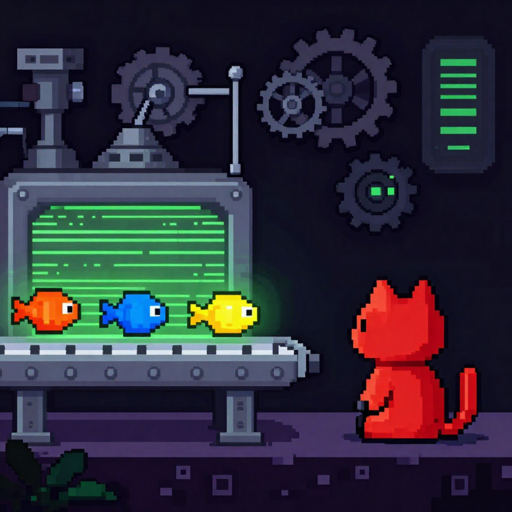
MorselHub connects iMessage, RetroCode and webhooks to Claude — then routes the AI's replies right back to whoever sent them. It's the little switchboard that lets you talk to your AI from anywhere a message can reach.
How it works
A message arrives from any connected source. MorselHub hands it to Claude with the right context, gets the answer, and sends it straight back down the same channel — so the sender just sees a reply, wherever they are.
What it does
Text your AI like you text a friend. MorselHub watches for messages and replies in the same thread.
Wire sibling PounceApps in — RetroCode and more — so they can hand conversations to Claude too.
Point any service at MorselHub over a webhook and get AI replies routed back to the sender.
MorselHub runs on your Mac. Your messages stay on your machine — nothing lives on someone else's server.
Point it at the AI provider you already use — no lock-in, part of the PounceApps family.
A real Mac app (not Electron) — small, fast, signed and notarized.
Install
macOS 12+ (Apple Silicon). Signed & notarized; Homebrew keeps it updated.
brew tap pounceapps/tap
brew trust pounceapps/tap
brew install --cask morselhub
Or download a notarized .dmg from
pounceapps/downloads.
Connecting iMessage requires granting macOS permissions on first run. Under active development — provided “as is”, without warranty.